Download VN: Photo & Video Editor v2.24.0
648.81 MB
VN: Photo & Video Editor
v2.24.0
| App Name | VN: Photo & Video Editor |
|---|---|
| Latest Version | v2.24.0 |
| Category | Photo & Video |
| Developer | LLC, Ubiquiti Labs |
| Apps | App Store |
VN:Photo & Video Editor is a Professional Video and Photo Editing App that gives you many Editing Tools in one place. You can Cut Clips, Merge Videos, Add Music, Record Voiceovers, Insert Text, Use Stickers, Apply Filters and Export your Final Video in High Quality. The App is designed for both New Users and Professional Creators who want to edit Videos on Mobile.
VN: Photo & Video Editor latest
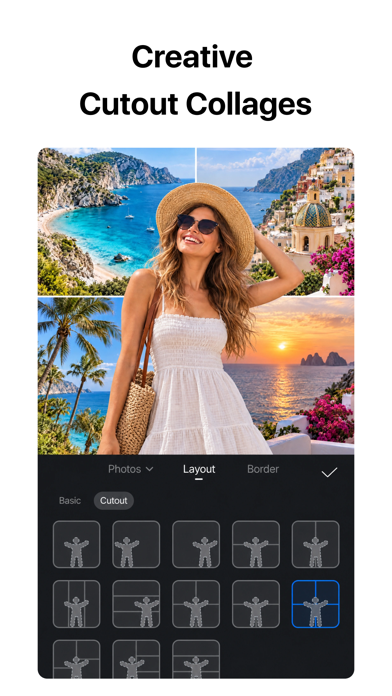
Actually, VN is not only for Video Editing. You can also use it to Edit Photos, Create Photo Collages, Add Text and Stickers, Adjust Brightness and Contrast, and Apply Filters. This makes it a useful App for Social Media Creators, Students, YouTubers and Small Business Owners.
VN Video Editor Features
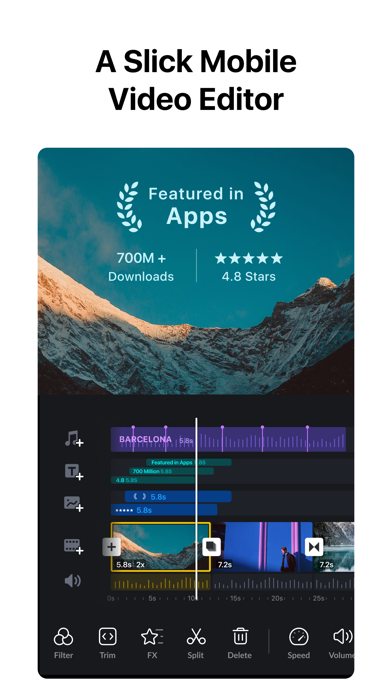
- Edit Videos on a Multi-Track Timeline.
- Trim and Merge Clips with 0.05-Second Precision.
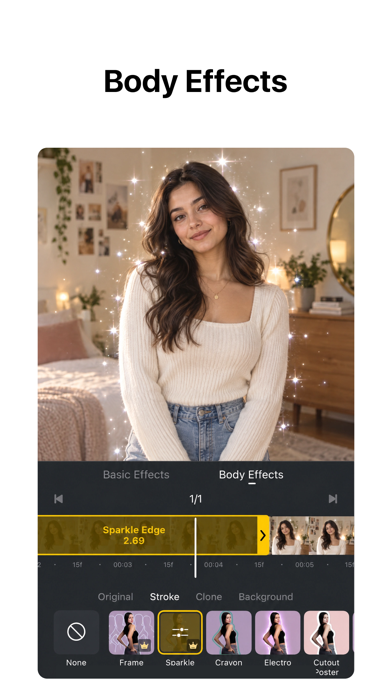
- Add Overlay Videos, Photos, Stickers and Text.
- Use Masks for Creative Video Compositions.
- Play Clips in Reverse, Add Zoom Motion or Freeze Frames.
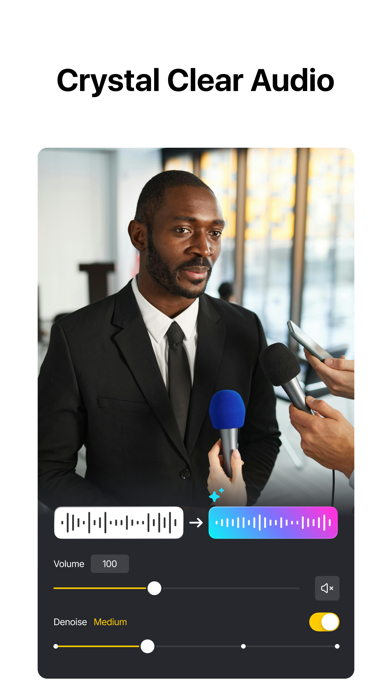
- Add Music, Sound Effects and Record Voiceovers.
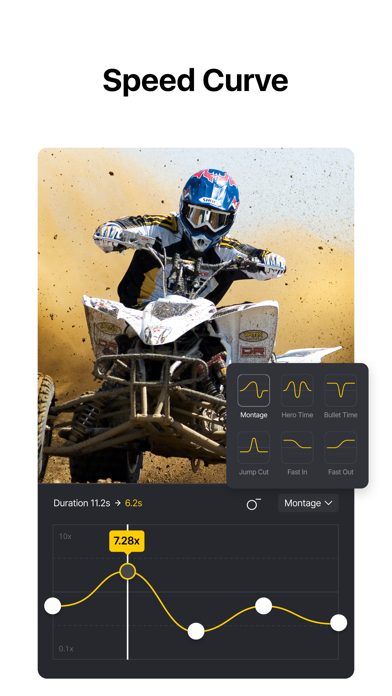
- Use Speed Control and Curve-Based Speed Ramps.
- Apply Keyframe Animations with Adjustable Curves.
- Add Beat Markers to Sync Clips with Music.
- Save Drafts and Use Undo or Redo while Editing.
- Apply Cinematic Filters and Import LUTs.
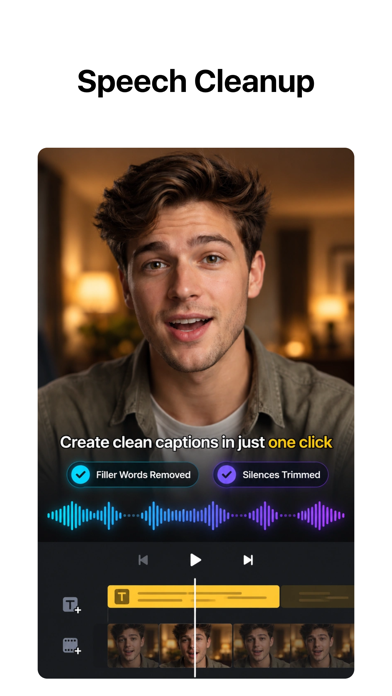
- Use Auto Captions to Create Subtitles from Audio.
- Generate Voiceovers with Text-to-Speech.
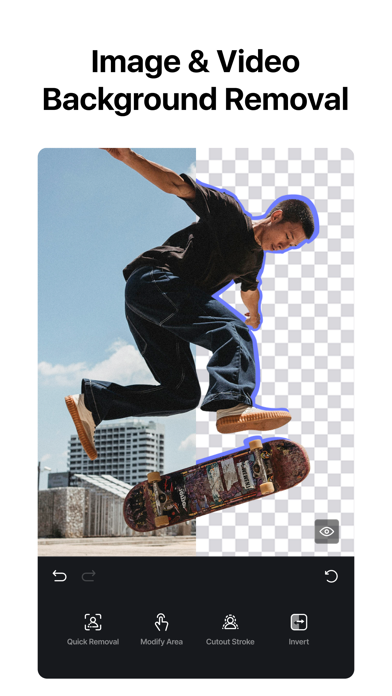
- Remove Backgrounds from Videos and Photos.
- Create Smooth Slow Motion using Frame Interpolation.
- Export Videos up to 4K Resolution at 60fps.
- Edit Dolby Vision HDR Videos on Supported iPhone Models.
- Transfer Projects through AirDrop or iCloud.
- Share Videos to YouTube, Instagram, TikTok and WhatsApp.
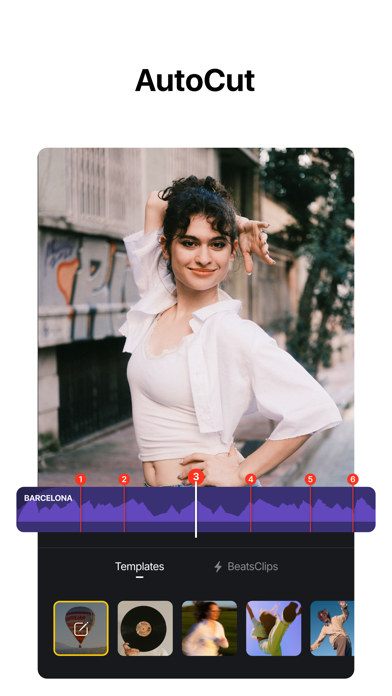
VN also includes Quick Create Tools like BeatsClip, AutoCut, Story and Teleprompter. BeatsClip can create Beat-Synced Templates from your Video or Music, while AutoCut can turn your Footage into a Finished Edit automatically. The Teleprompter is useful when you want to Record a Talking-Head Video while reading your Script.
How to Use VN Video Editor for Editing Photos and Videos
First, Open VN and Create a New Project. Then Import your Video Clips, Photos, Music or Voiceover from your iPhone or iPad. You can add Media through AirDrop, Wi-Fi, WhatsApp, Telegram or Zip Files. After that, arrange the Clips on the Timeline and Start Editing.
VN: Photo & Video Editor
You can Cut unwanted Parts, Add Background Music, Insert Text, Apply Filters and Use Transitions between Clips. If you want to make a Reel or TikTok Video, use Beat Editing to match your Clips with the Music Beat. When your Video is ready, Export it in 4K at 60fps or Share it directly to Social Media Apps.
Screenshots
Download VN: Photo & Video Editor iPA file for iPhone & iPad
Rating
You have already voted
Thanks for rating
Related
Canva AI Photo & Video Editor iPA file Download
v4.233.0

Lightroom Photo Editor & Video iPA file Free Download
v11.6.21

Picsart AI Photo Editor, Video iOS Mod iPA Download
v30.9.2

Twitch IPA Mod file v31.1 (Download Clips/Adblock) iOS
v31.1

Adobe Fresco: Draw & Paint iOS iPA App Download
v7.7.0
Download Procreate Pocket iPA for iOS/iPadOS
v4.0.14

Download Video Star Pro – Video Star++ iPA file for iOS/iPadOS
v14.2.0