Download Lightroom Photo Editor & Video v11.6.21
351.21 MB
Lightroom Photo Editor & Video
v11.6.21
| App Name | Lightroom Photo Editor & Video |
|---|---|
| Latest Version | v11.6.21 |
| Category | Photo & Video |
| Developer | Adobe Inc. |
| Apps | App Store |
Adobe Lightroom iPA is a Free photo and video editing application for your iPhone or iPad. You can edit your photos, remove unwanted objects, add blurs, apply presets, edit colours and create stunning videos using the app. It is great for improving your photos for social media, family memories, travel, food and professional use.
What is Adobe Lightroom IPA?
Adobe Lightroom IPA is an iOS application containing the Adobe Lightroom photo editor. It is created by Adobe and allows you to edit photos, adjust colours, add blurs, remove objects and edit videos.
Lightroom is not just a simple photo filter app. It contains Professional tools to edit your images. You can adjust exposure, highlights, shadows, colours, hue and saturation. It also comes with some AI features such as Generative Remove and Generative Expand. The official Lightroom app can be downloaded for free from supported app stores. However, premium features may be available to purchase.
Features of Adobe Lightroom
- Edit photos and videos.
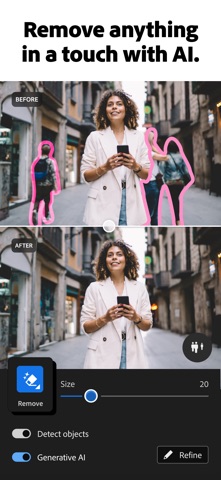
- Remove unwanted objects using AI tools.
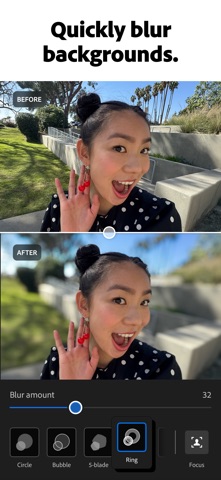
- Add background blur.
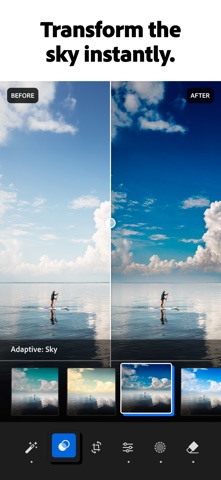
- Apply one touch quick actions and adaptive presets.
- Adjust exposure, highlights, shadows and colours.
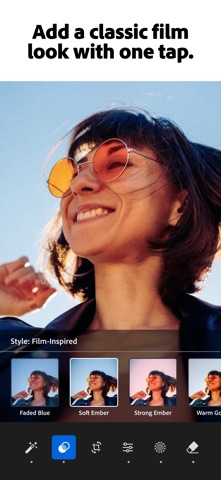
- Apply film filters, retro filters and custom presets.
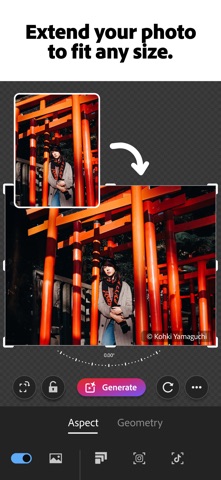
- Expand photo borders using AI Generative Expand.
- Crop, resize and improve quality.
- Edit multiple photos.
- Create short video clips.
- App will give suggestions.
- Use presets from other creators.
Photo Editing Tools in Adobe Lightroom
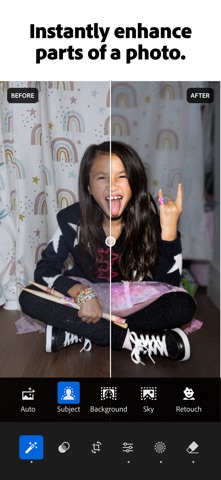
- Lightroom has lots of great tools to help you edit your photos. You can use quick actions to quickly improve your image or manually adjust settings.
- Generative Remove allows you to remove unwanted people, objects or distractions. For example, if there is a stranger behind you in your travel photo.
- Background blur is great for portraits. You can blur the background so that the subject stands out.
- Generative Expand allows you to expand your borders. If your photo is cut off then you can use this AI feature to fill in the gaps.
- Presets and filters will allow you to change how your photo looks easily. Choose from vintage films, retro or create your own preset.
How to edit photos in Adobe Lightroom
- Open up Adobe Lightroom on your iPhone or iPad. Next import your chosen photo and tap on it. This will open up the editing tools.
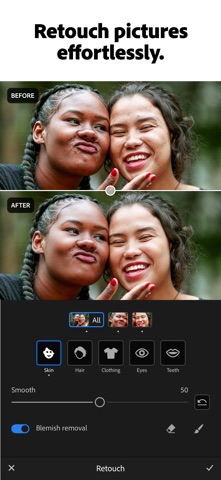
- Start by using quick actions. The app will give you some simple suggestions to improve your photo. If you would like more control then go into the light section and adjust exposure, highlights and shadows. Next go into the colour section and adjust temperature, hue, saturation and vibrance.
- If there are any unwanted objects in your photo then use Generative Remove. Select the area you want to remove. If your photo is a portrait then add background blur. Finally apply a preset or filter and export your photo in your preferred quality.
Lightroom for Video Editing
Lightroom is great for video editing. You can import a short video, adjust lighting and colours, apply presets and create a creative clip. This is great for Instagram reels, YouTube shorts, travel videos and family moments. The video editing tools are not as advanced as a professional video editor but can be used for quick colour correction.
Screenshots
Download Lightroom Photo Editor & Video iPA file for iPhone & iPad
Unlocked Features:
Premium Features (Paid Subscription): Generative Remove, Lens Blur, Adaptive Presets, and cloud syncing.
Rating
You have already voted
Thanks for rating
Related

Canva AI Photo & Video Editor iPA file Download
v4.233.0

Picsart AI Photo Editor, Video iOS Mod iPA Download
v30.9.2

VN: Professional Photo & Video Editor iPA Free Download
v2.24.0

Twitch IPA Mod file v31.1 (Download Clips/Adblock) iOS
v31.1

Adobe Fresco: Draw & Paint iOS iPA App Download
v7.7.0
Download Procreate Pocket iPA for iOS/iPadOS
v4.0.14

Download Video Star Pro – Video Star++ iPA file for iOS/iPadOS
v14.2.0