Download Canva AI Photo & Video Editor v4.233.0
189.87 MBCanva AI Photo & Video Editor iPA is a design application which allows users to create images, videos, presentations, CVs, posters, social media posts and more. Canva is useful for students, business owners, teachers, social media creators and those looking to create designs without knowing advanced editing software. Within the application, there are templates, stock images, fonts, videos and AI.
Canva AI Photo & Video Editor iPA?
Canva is an all-in-one creative tool to design graphics, edit photos and create videos. The application allows you to design from scratch or choose from templates. You can then edit the text, colours, images, fonts and layout.
Canva AI Photo & Video Editor
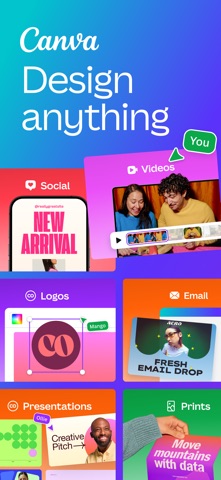
The main use of Canva is to create social media posts, Instagram Reels, YouTube thumbnails, business cards, flyers, invites, logos, presentations, CVs and photo collages. Canva also offers visual spreadsheets, worksheets and infographics for education and business.
Canva AI Video (Veo 3)
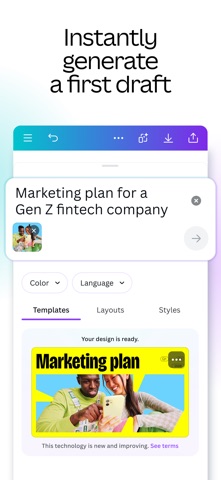
You can type a simple text prompt and create a short video with images and sound. Once created you can download the video or continue to edit within the Canva video editor.
Canva AI Photo & Video Editor
This is useful for quickly creating a short video for a presentation, social media or creative project. However, this can only be used by Canva Pro, Teams, Enterprise and Nonprofits users in supported English locations.
Photo Editing Features
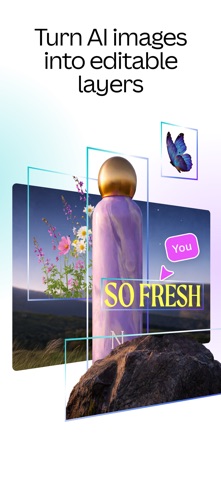
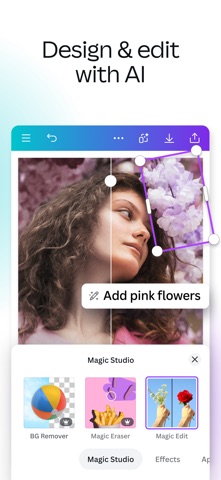
With Canva you can crop, rotate, brighten, filter and adjust the contrast of your image. You can also use the Background Remover to remove the background and put the subject into a new design.
Canva AI Photo & Video Editor ipa
For example, if you wanted to create a product poster you can upload your product, remove the background and then add text and place it onto a colourful template. This can be useful for small businesses and social media creators to quickly create designs.
Video Editing Features
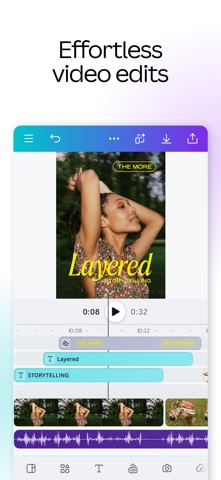
Canva has a layered timeline for videos. Within one project you can add video clips, music, captions, stickers and text. You can also cut, speed up and animate your video. Canva also has beat sync.
Within Canva there are AI tools such as Highlights, Auto-trim, Magic Video, Enhance Voice and Image to Video. This helps to create social ready videos quicker without the need of professional editing software.
Templates & Collaborate
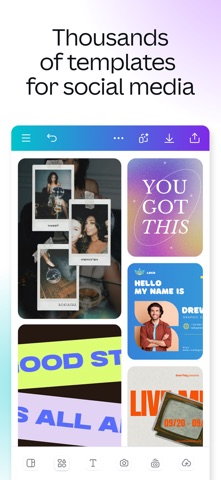
Canva has thousands of editable templates. There are templates for social media, business, education and personal use. You can choose a template for your poster, invite, logo, presentation, CV or meme and edit the design.
You can add friends, classmates or team members to work on your design. Canva has real time collaboration, comments, feedback and sharing. This can be useful for group projects and working with a team in a business.
Canva for Education
Canva for Education is free to use for eligible K-12 teachers and students. Teachers can create lesson plans, posters, worksheets, videos and classroom activities. Students can work on group projects and share their work.
Canva for Education also has premium features, education templates, collaboration and classroom features such as Google Classroom, Canvas, Moodle, Blackboard and Microsoft Teams.
Screenshots
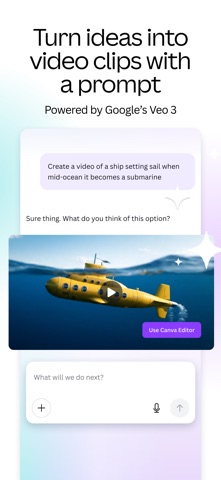
Download Canva AI Photo & Video Editor iPA file for iPhone & iPad
Unlocked Features:
Graphic design tools, AI video generation (Veo 3), background eraser, Beat Sync video editor, and real-time collaboration.
Rating
You have already voted
Thanks for rating
Related

Lightroom Photo Editor & Video iPA file Free Download
v11.6.21
Picsart AI Photo Editor, Video iOS Mod iPA Download
v30.9.2
VN: Professional Photo & Video Editor iPA Free Download
v2.24.0
Twitch IPA Mod file v31.1 (Download Clips/Adblock) iOS
v31.1

Adobe Fresco: Draw & Paint iOS iPA App Download
v7.7.0
Download Procreate Pocket iPA for iOS/iPadOS
v4.0.14

Download Video Star Pro – Video Star++ iPA file for iOS/iPadOS
v14.2.0